Skip to Content
Timesheet Validation from Email in Odoo | Email-Based Timesheet Approval Workflow | Validate Timesheets Directly from Email

Timesheet Validation from Email in Odoo | Email-Based Timesheet Approval Workflow | Validate Timesheets Directly from Email

Send timesheet validation emails with PDF attachments to team leaders
₹ 2,350.00

Author Serynto Technologies
Technical Name st_timesheet_email_validation
License OPL-1
Versions 18.0 19.0
Last Updated : 20 MAY 2026 (v19.0.0.1.0)

Timesheet Email Validation

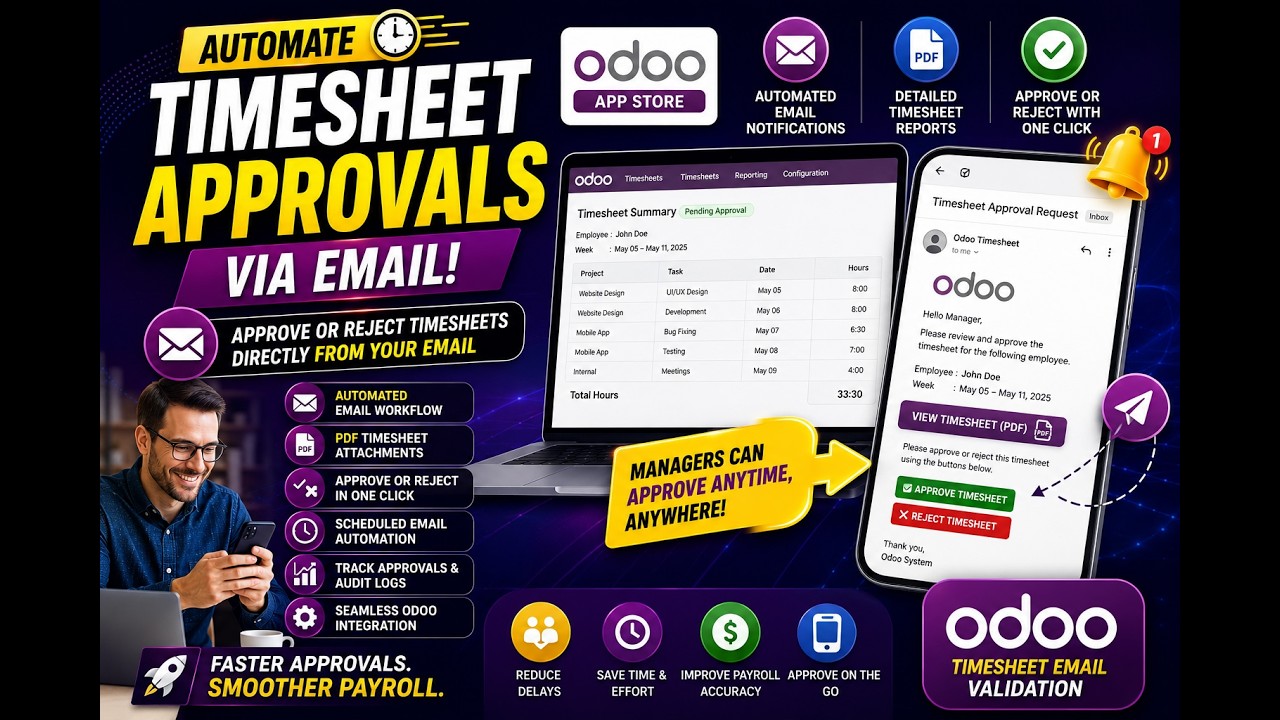
Streamline your Odoo timesheet approval process with fully automated email-based validation. Team leaders receive detailed PDF timesheet summaries directly in their inbox and can approve or reject employee timesheets with a single click — no Odoo login required. Secure, mobile-friendly, and built for modern HR workflows.

Why Use Timesheet Email Validation for Odoo?

No Odoo Login Required

Team leaders can approve or reject employee timesheets directly from their email inbox — no need to open Odoo or navigate through menus. Validation happens in a single click.

Mobile-Friendly Approvals

Approve or reject timesheets from any device — phone, tablet, or desktop. The one-click email validation buttons are fully responsive and work on any email client.

Fully Automated Scheduling

Configure daily, weekly, or monthly email dispatch schedules. The system automatically collects timesheet data, generates the PDF, and sends validation emails — without any manual effort.

Secure & Expiring Token Links

Every approval or rejection link is protected by a unique, time-limited token. Links automatically expire after a configurable window (default 72 hours), preventing unauthorized actions.
Timesheet Approval — Use Cases & Business Benefits

Common Use Cases

  • Remote or hybrid teams where managers rarely log into Odoo but check email daily.
  • Weekly or monthly payroll cycles requiring timely timesheet sign-off before salary processing.
  • Departments with a manager overseeing multiple employees who need grouped approval emails.
  • Organizations with compliance requirements needing a full audit trail of timesheet approvals.
  • Project-based companies tracking billable hours across multiple clients and tasks.

Benefits

  • Faster approval cycles — managers validate timesheets without logging into Odoo.
  • Eliminate bottlenecks in payroll and HR workflows caused by delayed validations.
  • Detailed PDF reports attached to every email for transparent timesheet review.
  • Mobile-friendly one-click approval for on-the-go team leaders.
  • Complete email log and audit trail for every validation request and action.
  • Configurable scheduling — set it up once and the system runs automatically.

How Timesheet Email Validation Works

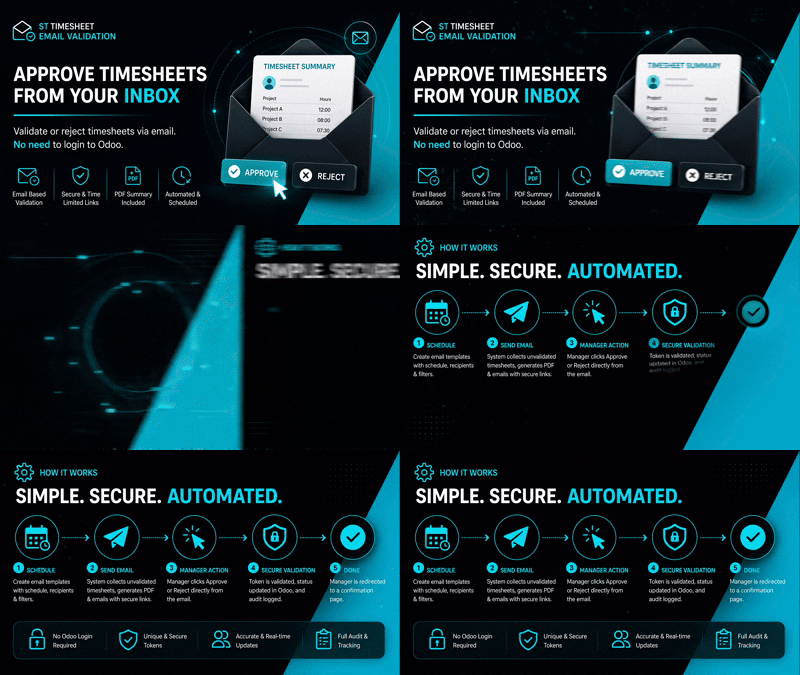
  1. Configure Email Templates with custom schedules (Daily, Weekly, or Monthly).
  2. The system automatically generates a Detailed PDF and sends a validation email.
  3. Team leaders receive the email and review the Timesheet Summary and attachment.
  4. Leaders click Approve or Reject directly within the email body.
  5. The action is securely processed and instantly synced back to Odoo.

Key Features

Automated Email Engine
One-Click Validation
PDF Report Attachments
Token-Based Security
Customizable Schedules
Complete Audit Trail
Status Synchronization
Multi-company Ready

Version 19.0.0.1.0 | Released on : 20th May, 2026

UPDATE Initial Release.
No. The validation buttons in the email use secure, tokenized URLs that allow actions to be performed directly from the inbox.
Yes. The module supports full QWeb email template customization and allows you to configure placeholders for employee info.
Yes, the module includes an "Email Logs" view that tracks every validation request sent, its status, and the eventual action taken.

Support

Get Immediate support for any of your query

You will get support for any doubt, queries, and bug fixing (excluding data recovery) or any type of issue related to this module.

WRITE TO US AT :

sales@serynto.com

For any help and doubt or issue regarding the module, Drop a mail to our technical team.

RAISE A TICKET AT :

https://serynto.com/helpdesk

For support or to request customization, Create A Support Ticket by copying the link and opening it in a new tab.