Skip to Content
Sale Order Notes on Delivery Orders | Sale Order Line Description | Delivery Order Notes | Picking Description Transfer | Warehouse Notes | Stock Move Description | Sales to Warehouse Notes Transfer | Delivery Instructions from Sale Orders

Sale Order Notes on Delivery Orders | Sale Order Line Description | Delivery Order Notes | Picking Description Transfer | Warehouse Notes | Stock Move Description | Sales to Warehouse Notes Transfer | Delivery Instructions from Sale Orders

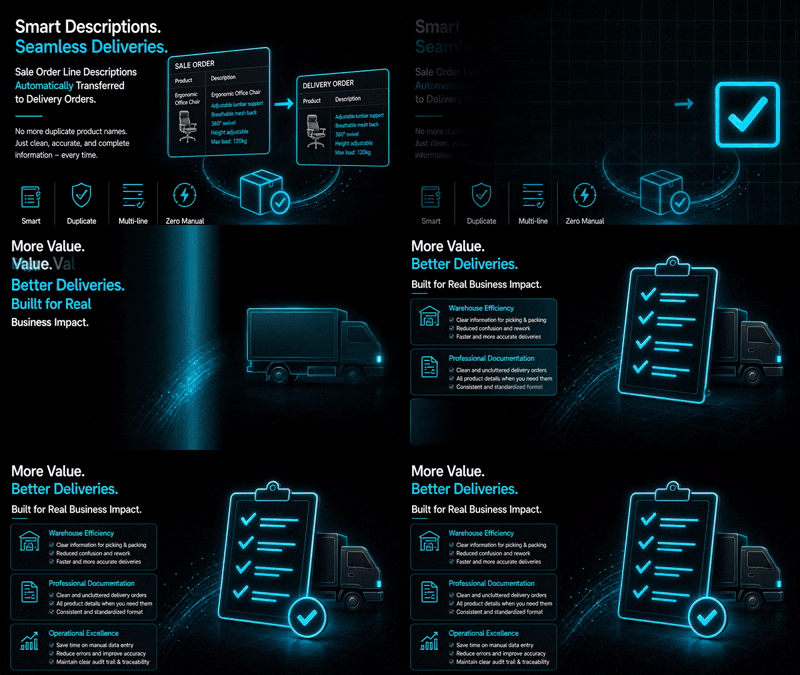
Pass custom Sale Order Line descriptions and notes directly to delivery order pickings, removing redundant product name lines.

₹ 3,290.00

Author Serynto Technologies
Technical Name sale_delivery_description
License OPL-1
Versions 18.0 19.0
Last Updated : 20 MAY 2026 (v19.0.0.1.0)

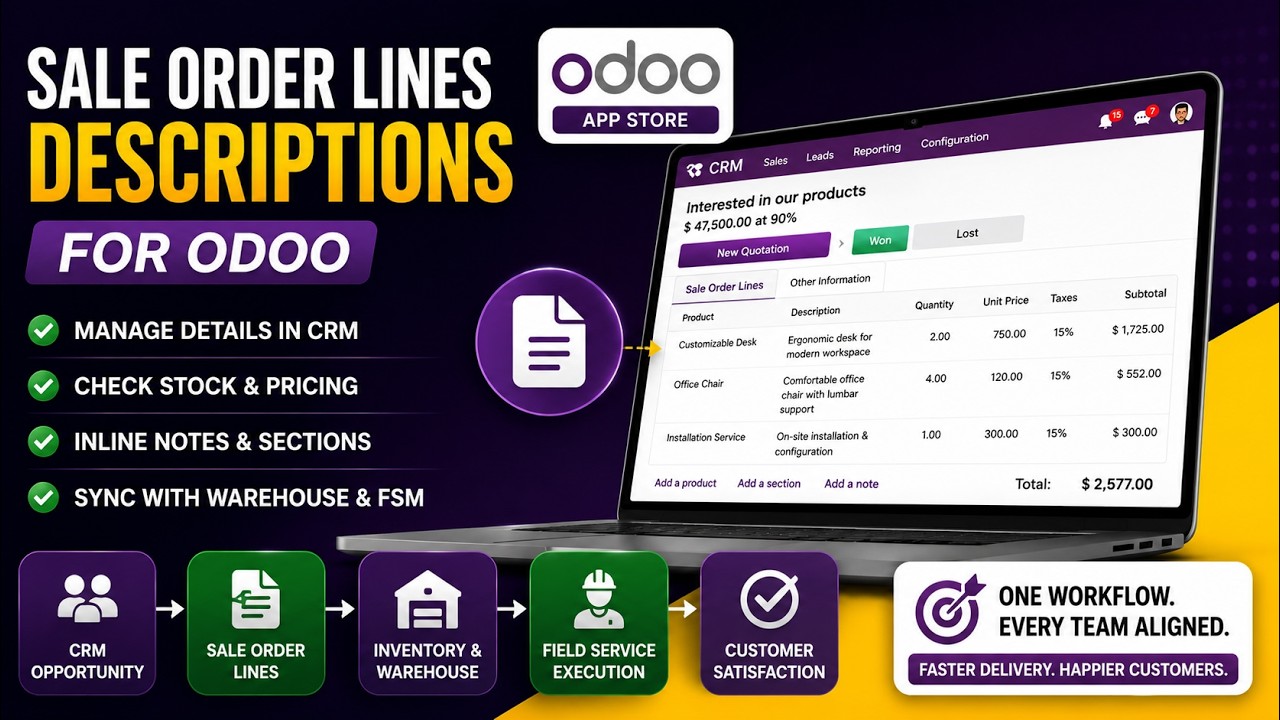
Sale Order Lines Descriptions

Transfer product-specific instructions from Sales Orders directly to Delivery Orders in Odoo 19.

Ensure warehouse teams receive all important order details during picking, packing, and shipping. This module copies the description entered on sale order lines to delivery operations, helping avoid mistakes and ensuring customized products are prepared exactly as requested.

Whether you're selling personalized products, made-to-order items, or products requiring special handling, delivery staff can see the necessary instructions without switching back to the sales order.

Common Use Cases & Benefits

Common Use Cases

  • Custom T-shirts with size and branding details.
  • Personalized mugs with names/messages.
  • Special packaging instructions.
  • Promotional items with logo details.
  • Customer-specific assembly notes.

Benefits

  • Reduce Sales & Warehouse communication gaps.
  • Show customization details during delivery.
  • Minimize packing and shipping mistakes.
  • Improve delivery preparation workflow.
  • No need to reopen Sales Orders.

How it works

  1. Add a description or instruction on a sale order line.
  2. Confirm the sales order.
  3. The line description is automatically transferred to the related delivery order.
  4. Warehouse staff can view the instructions while preparing and validating deliveries.

Example

Product

Custom T-Shirt


Sale Order Line Description

Size : XL

Color : Black

Front Logo : Company Branding

Back Print : Team Event 2026

This information automatically becomes available on the delivery order, ensuring warehouse teams prepare and ship the correct customized product.

Version 19.0.0.1.0 | Released on : 20th May, 2026

UPDATE Initial Release.
Yes, this app works perfectly with both Odoo Community and Enterprise editions.
Yes, we provide support for any doubts, queries, and bug fixing.
Yes, for customization requests, you can email us at sales@serynto.com or raise a ticket.

Support

Get Immediate support for any of your query

You will get support for any doubt, queries, and bug fixing (excluding data recovery) or any type of issue related to this module.

WRITE TO US AT :

sales@serynto.com

For any help and doubt or issue regarding the module, Drop a mail to our technical team.

RAISE A TICKET AT :

https://serynto.com/helpdesk

For support or to request customization, Create A Support Ticket by copying the link and opening it in a new tab.