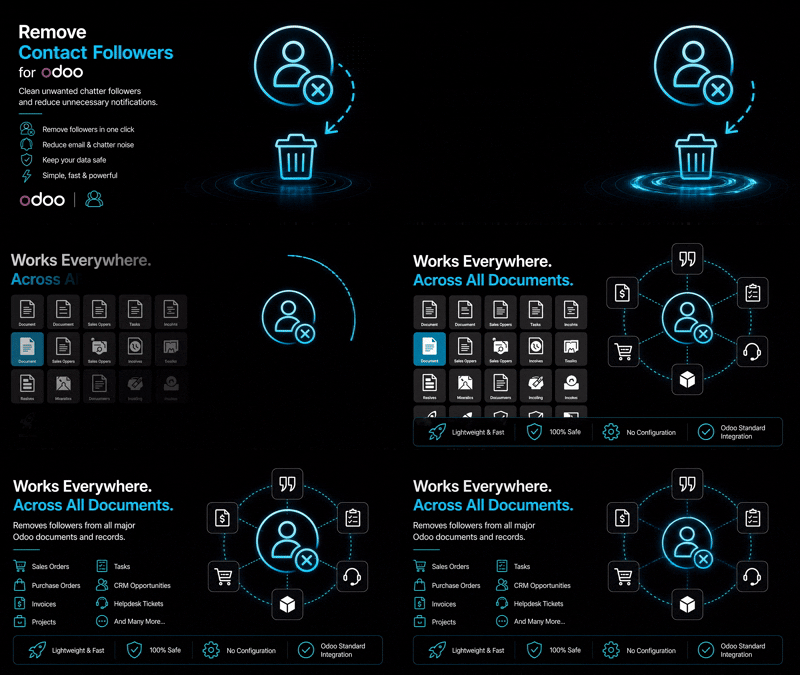
Remove Contact Followers | Odoo Chatter Follower Management & Cleanup Tool
Remove unwanted contact followers from Odoo chatter with one-click bulk follower cleanup action.
₹ 470.00
 Last Updated : 22 June 2026 (v19.0.0.1.0)
Remove Contact Followers
Quickly remove unwanted contact followers from Odoo chatter and keep communication clean, organized, and notification-free.
Managing unnecessary followers across Odoo records can create unwanted email notifications and cluttered communication. Remove Contact Followers provides a simple and efficient solution to instantly remove selected contacts from document followers.
With a powerful server action integration, users can select one or multiple contacts and remove their follower references from related Odoo records in just one click. Keep your chatter clean, improve communication accuracy, and prevent unnecessary notifications.
Why Choose Our Remove Contact Followers Module?
One-Click Follower Removal
Instantly remove selected contacts from all related follower records using a simple action without manual searching.
Bulk Contact Processing
Select multiple contacts together and remove their follower connections quickly to save administrative time.
Reduce Unwanted Notifications
Prevent unnecessary emails and chatter notifications caused by outdated or irrelevant followers.
Clean Chatter Management
Maintain organized communication history by keeping only required followers on your business records.
Simple & Lightweight
No complex configuration required. Install the module and start cleaning followers immediately.
Common Use Cases & Benefits
Common Use Cases
- Remove old employees or inactive contacts from document followers.
- Clean unnecessary followers after customer or vendor changes.
- Stop unwanted chatter email notifications.
- Bulk cleanup followers from multiple contact records.
- Improve database communication management.
- Maintain accurate followers after data migration.
Benefits
- Save time with automated follower cleanup.
- Avoid manually searching and deleting follower records.
- Improve internal communication accuracy.
- Keep Odoo chatter organized.
- Easy access through contact actions.
- No technical knowledge required for users.
- Compatible with standard Odoo mail framework.
How it works
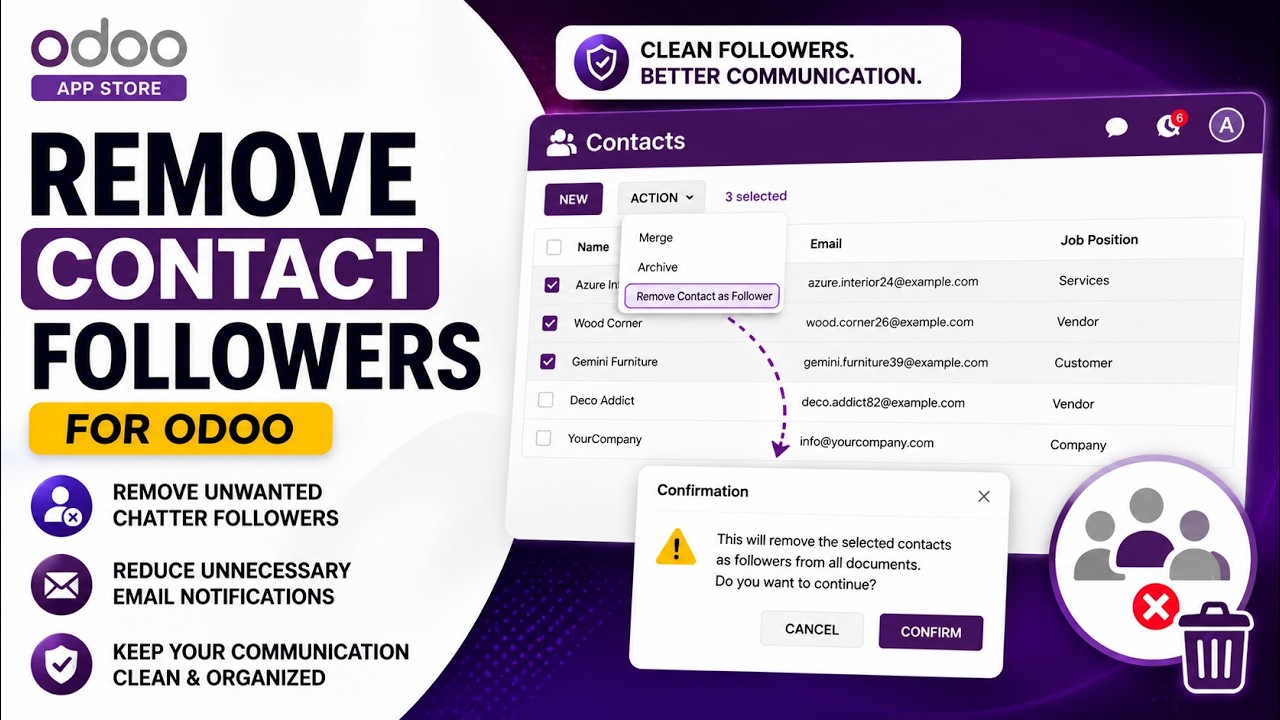
- Open the Contacts application.
- Select one or multiple contacts.
- Click on the Actions menu.
- Select "Remove From All Record Followers".
- The system automatically searches all follower records linked with selected contacts.
- Related follower entries are removed instantly.
- Your Odoo chatter remains clean and updated.
Example : Removing Unwanted Contact Followers
A company wants to clean unnecessary Odoo followers:
Over time, old employees, customers, or vendors remain added as followers on multiple Odoo documents.
These contacts continue receiving unnecessary chatter updates and email notifications.
The administrator installs the Remove Contact Followers module to easily manage and clean follower records.
Now, the user simply selects contacts, clicks the "Remove From All Record Followers" action, and Odoo automatically removes all related follower entries.
The system keeps all business records safe while cleaning unnecessary followers, reducing unwanted notifications, and maintaining organized chatter communication.
Key Features

Advanced Follower Cleanup
- Remove contact followers instantly
- Clean mail.followers records
- Avoid unwanted notifications
- Maintain organized chatter history
- Improve communication control

Bulk Processing Support
- Multiple contact selection
- Mass follower removal
- Fast cleanup operation
- Suitable for large databases
- Saves administrator time

Integrated Server Action
- Available directly from Contact Actions
- No additional menus required
- Simple user workflow
- Native Odoo experience

Safe Data Management
- Removes only follower references
- Keeps contact information unchanged
- Does not delete business documents
- Secure cleanup process
Version 19.0.0.1.0 | Released on : 22th June, 2026
Support
Get Immediate support for any of your query
You will get 90 days free support for any doubt, queries, and bug fixing (excluding data recovery) or any type of issue related to this module.
WRITE TO US AT :
sales@serynto.comFor any help and doubt or issue regarding the module, Drop a mail to our technical team.
RAISE A TICKET AT :
https://serynto.com/helpdeskFor support or to request customization, Create A Support Ticket by copying the link and opening it in a new tab.