Skip to Content
PDF Preview Update| Sale Order PDF Preview | PDF Attachment Management | Sales Document Management | Attachment Preview | Quotation PDF Viewer | Sales Document PDF Manager | Chatter Integration | Quotation Attachments

PDF Preview Update| Sale Order PDF Preview | PDF Attachment Management | Sales Document Management | Attachment Preview | Quotation PDF Viewer | Sales Document PDF Manager | Chatter Integration | Quotation Attachments

Manage sale order lines directly within CRM views

₹ 2,726.00

Author Serynto Technologies
Technical Name pdf_preview_update
License OPL-1
Versions 17.0 18.0 19.0
Last Updated : 19 MAY 2026 (v19.0.0.1.0)

PDF Preview Update

Seamless, in-place PDF viewing experience for your Odoo 19 modules.

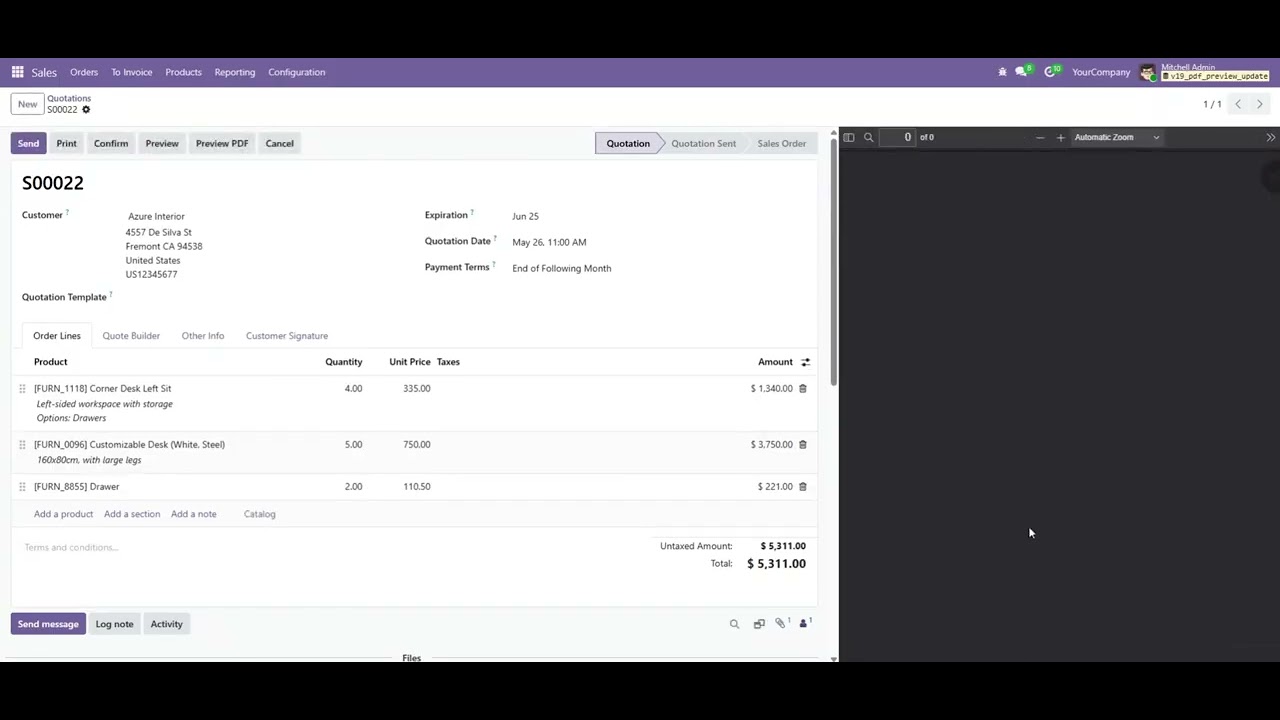
Enhance Odoo's PDF preview experience with automatic preview refresh and in-place document viewing. Unlike the standard Odoo behavior, where PDF previews are only updated after printing or regenerating the report, this module ensures that the preview always reflects the latest changes made to the record.

Users can instantly review updated documents without downloading files, opening external applications, or triggering unnecessary report generation.

Why Use This Module?

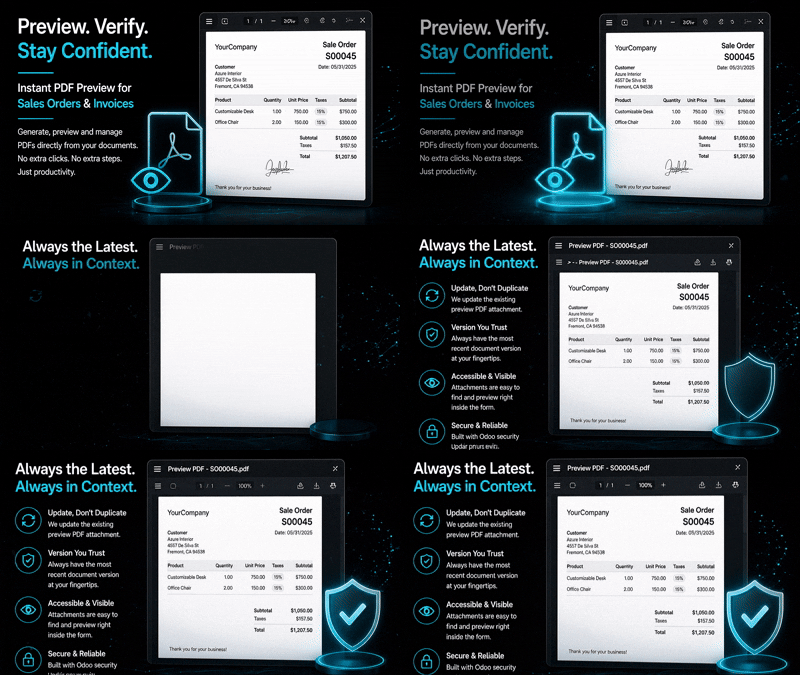
Always See Latest PDF

Automatically refresh PDF previews so users always see the newest document version.

Reduce Downloads

Review PDF reports directly inside Odoo without downloading files repeatedly.

Faster Validation

Quickly confirm quotations, invoices, purchase orders, and reports before sharing.

Better User Experience

Stay on the same screen without switching tabs or external PDF readers.

Save Revision Time

Quickly verify formatting, pricing, notes, and customer information changes.

Common Use Cases & Benefits

Common Use Cases

  • Verify pricing, products, discounts, and customer notes immediately after making changes.
  • Confirm invoice updates without repeatedly downloading the PDF.
  • Review vendor documents and revisions before sending them.
  • Ensure shipping information and product quantities are correct before processing deliveries.
  • Preview frequently updated reports during development or testing without constantly regenerating PDFs.

Benefits

  • Eliminates outdated PDF previews.
  • Reduces repeated report generation.
  • Minimizes unnecessary downloads.
  • Speeds up document review process.
  • Improves productivity for sales, accounting, purchasing, and operations teams.
  • Ensures users always work with the latest document version.
  • Provides a smoother and more modern PDF viewing experience within Odoo.

How it works

  1. Open any record containing a PDF report or PDF attachment.
  2. View the document directly within Odoo using the embedded PDF preview.
  3. Modify the record as needed.
  4. The PDF preview automatically refreshes to display the latest version.
  5. Review, print, or download the document only when required.

Key Features

Embedded PDF preview directly within Odoo forms
Automatic preview refresh when record data changes
No need to print or regenerate reports to update the preview
Next/Previous page controls
Instant access to the latest document version
Works with Odoo attachments
Supports standard browser zoom, print, and download functionality
Lightweight and fully integrated with Odoo 19
Works with generated reports and PDF attachments

Version 19.0.0.1.0 | Released on : 19th May, 2026

UPDATE Initial Release.
Yes, this app works perfectly with both Odoo Community and Enterprise editions.
Yes, we provide free support for any doubts, queries, and bug fixing.
Yes, for customization requests, you can email us at sales@serynto.com or raise a ticket.

Support

Get Immediate support for any of your query

You will get free support for any doubt, queries, and bug fixing (excluding data recovery) or any type of issue related to this module.

WRITE TO US AT :

sales@serynto.com

For any help and doubt or issue regarding the module, Drop a mail to our technical team.

RAISE A TICKET AT :

https://serynto.com/helpdesk

For support or to request customization, Create A Support Ticket by copying the link and opening it in a new tab.