 Last Updated : 20 MAY 2026 (v19.0.0.1.0)
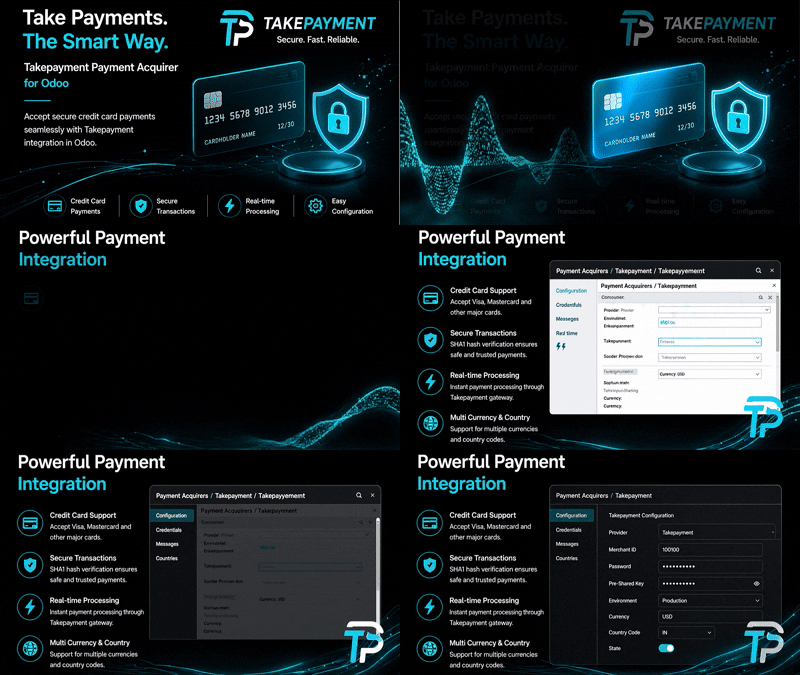
Takepayment Payment Acquirer
Secure and seamless payment processing with Takepayments in Odoo 19.
Integrate Takepayments with your Odoo store to provide a smooth checkout experience for
your customers.
Supports various card types, automated status updates, and email notifications for
pending or cancelled transactions.
How it works
- Select Takepayments as the payment method during checkout.
- Enter card details on the secure Takepayments hosted page.
- Transaction is processed and status is automatically updated
in Odoo.
- Receive email notifications if the payment is pending or
requires attention.
Version 19.0.0.1.0
|
Released on : 20th May, 2026
Yes, this app works perfectly with both Odoo Community and
Enterprise editions.
Yes, we provide free support for any doubts, queries,
and bug fixing.
Yes, for customization requests, you can email us at
sales@serynto.com
or raise a ticket.
Support
Get Immediate support for any of your query
You will get free support for any doubt, queries, and bug fixing
(excluding data recovery) or any type of issue related to this module.
WRITE TO US AT :
sales@serynto.com
For any help and doubt or issue regarding the module, Drop a mail to our
technical team.
RAISE A TICKET AT :
https://serynto.com/helpdesk
For support or to request customization, Create A Support Ticket by
copying the link and opening it in a new tab.